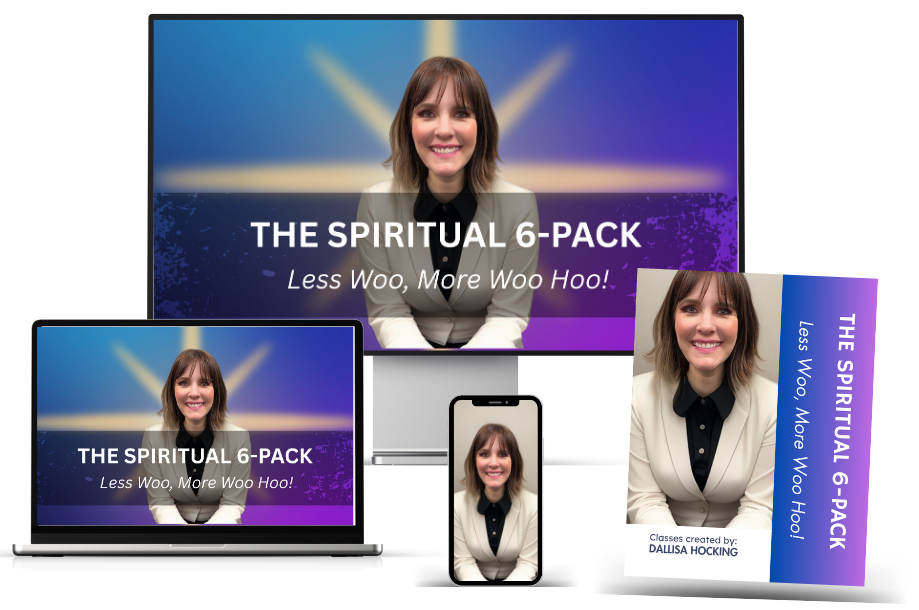
Six of my most-loved classes are now yours: Tarot Masterclass Certification, Astrology 101, Angel Messages & Numbers, Past Life & Reincarnation, Dream Interpretation, and Remote Viewing Level 1 Certification. I’m thrilled you grabbed this bundle—you’ve just given yourself a practical, down-to-earth path to stronger intuition.
How to use your 6-Pack (pick your path):
Start with what excites you most or follow this flow: Angels → Dreams → Past Lives → Astrology → Tarot → Remote Viewing.
Lessons are self-paced—clear and practical. Binge a weekend or do 20 minutes a day.
What to expect:
Step-by-step video lessons + PDF guides you can use immediately.
No jargon—just tools and simple lessons that work in real life.
Lifetime access to all six classes in your bundle.
Your pre-start micro-action (3 minutes—do this first):
Set your Intention & Schedule:
Write one sentence that aligns with your goal. Example: “I’m developing my intuition with clarity, ease, and accuracy.”
Open your calendar and block three 20-minute sessions this week for your first class.
Create a note or journal titled “6-Pack Wins”—you’ll log every nudge, synchronicity, and insight.
Quick warm-ups (choose one today):
Angels: Notice repeating numbers; ask for a sign within 24 hours.
Dreams: Put a notebook by your bed; write a question to receive guidance tonight.
Tarot: If you have a deck, pull one card and jot one practical action it suggests.
I’m so excited to see what opens for you. Begin your journey by accessing each class below…💫
If you don't know your exact time of birth, check your birth certificate or ask a parent or someone that might know. The more exact it is, the better. The birth time affects things like your Rising sign and where things fall in your chart. If you really can't find it and you don't want to request it from the hospital you were born at, take a best guess.
When entering your birth city, start typing in the name of the city and a dropdown menu will appear. Scroll through the menu and select the correct location.
After clicking submit, you'll find an image of your Whole Sign astrology chart and a full report on it. From a computer, "right click" on the image of your chart and save it. You'll be referring back to your chart during class. From your cell phone, you should be able to press/hold on the image of your chart and save it to your device.